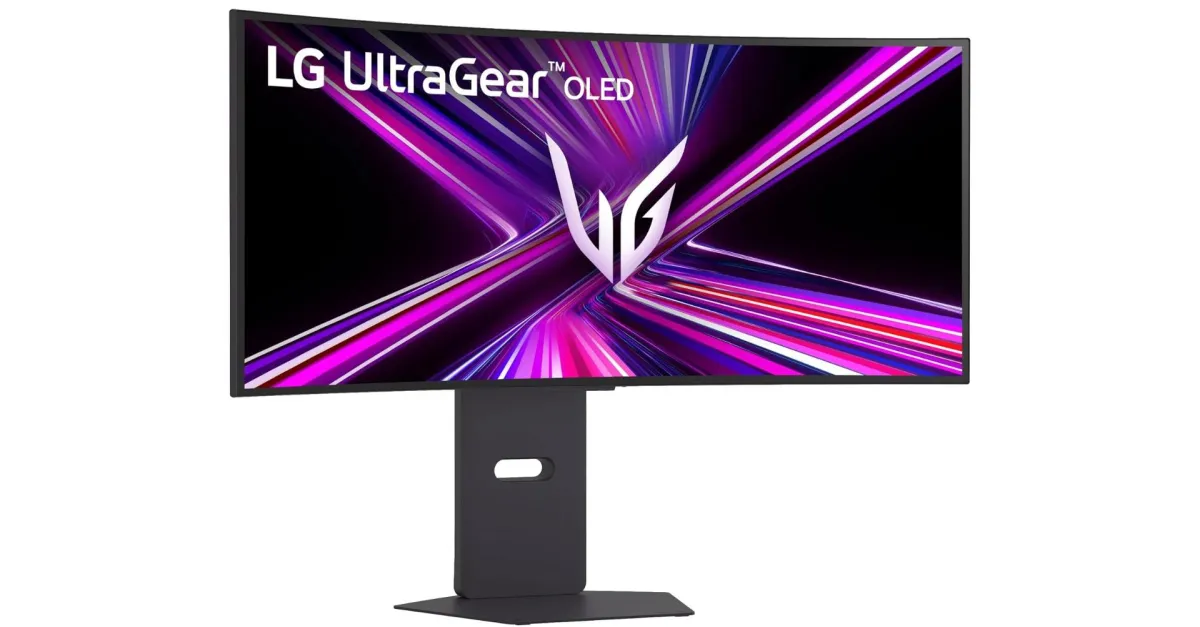
A video from Gamers Nexus explains how, after connecting a new LG UltraGear monitor to a PC running Windows 11 for the first time, Windows Update is silently installing LG driver updates and the LG Monitor App Installer, without so much as a permission pop-up or notification. The app doesn’t appear to include special controls of its own, instead simply pointing users to LG’s other apps, as well as McAfee antivirus.
There are reports about LG’s app auto-installing as far back as 2024, but Gamers Nexus’s test follows recent user complaints on Reddit about large pop-up ads for McAfee and LG’s own apps suddenly appearing in the bottom right corner of the homescreen, which popped up for GN on 31 out of 32 bootups.
Microsoft allows developers to pair a Hardware Support App in the Windows Store that automatically installs based on the device’s metadata, but even its description here includes a warning:
The automatic installation feature does not provide a notification to the user when the app is installed. Some users may find this experience confusing and frustrating, and give your app a bad rating.
As noti.group’s Tom Warren has pointed out in the past, Dell similarly auto-installs its Alienware Command Center app on Windows when you connect an Alienware monitor, but the notification spam is an extra twist.
As Gamers Nexus mentions, according to its Windows Store page, the LG Monitor App Installer requires permission to “use all system resources” and “access your Internet connection,” and the linked LG privacy policy mentions automatically collecting device data, internet activity, and geolocation information — all for a program that’s installing without the user’s explicit permission or consent.
[Notigroup Newsroom in collaboration with other media outlets, with information from the following sources]