At WWDC, Apple announced its new Liquid Glass design language, which is coming to all of its devices, including Macs. I’ve been tinkering with the macOS Tahoe 26 developer beta on the M4 MacBook Air for about a day. So far, the aesthetic changes range from slick to slightly overwrought, but the new Spotlight search features are nifty and useful.
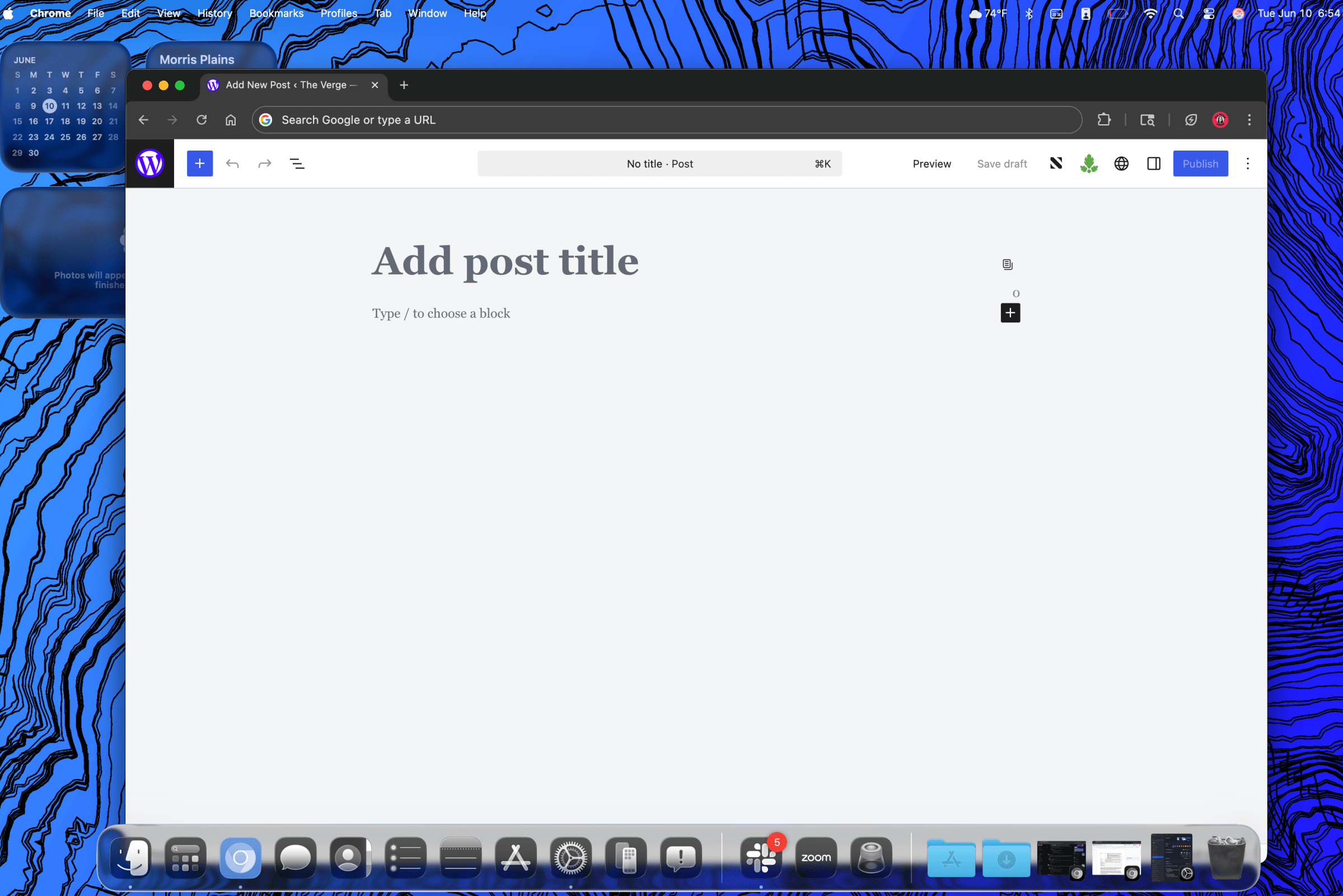
There are new touches of glassy transparency all over macOS 26, including the Dock, Finder, widgets, and built-in apps. It’s more subtle than on the iPhone, mostly because the Mac’s much larger screen real estate makes the Liquid Glass elements more like accents than whatever this mess is supposed to be. I’m not very fond of it just yet, but maybe it will grow on me, like UI changes tend to.
The Dock now has a frosted background that’s more translucent than Sequoia’s flatter design. The hazy, frozen glass aesthetic also extends to widgets, like the calendar and weather, and drop-down menus — though the latter have much higher opacity. The pop-ups for volume and brightness now use this distorted glass look as well, though they’ve moved to the top-right corner of the screen instead of being centered above the dock. Frankly, they’re ugly, and I find their new elongated horizontal look strange and out of place.
Surprisingly, the Menu Bar at the top of the screen is now invisible, so it no longer masks the screen’s notch cutout with a dark gray bar. At first I found this slightly jarring, but I adjusted to it quickly, just as I did the first time I saw a notched MacBook. It became mostly innocuous with even a bright wallpaper showing its borders. (If you really hate it you can enable “Reduce transparency” in the accessibility menu, bringing back the filled-in Menu Bar and killing pretty much all of Tahoe’s other transparent effects.) The one cool thing the invisible Menu Bar enables is a new animation: when you three-finger swipe up for Mission Control, a glass pane descends from the top and distorts the view of the wallpaper underneath. It’s a kitschy flourish, but it’s one of the few effects in Tahoe that tickles me.
1/3
Widgets now live on the desktop instead of requiring a swipe-over of the Notification Center, allowing you to populate your desktop with lots of glanceable info like an iPad home screen if you choose. Open a Finder window and you see more of Tahoe’s rounded design, with the sidebar now looking like its own tall, oval-ish nested window. Dark mode and light mode show some differences here, with light mode flattening the Finder windows quite a bit more than its darker version, which looks more glassy to me.
The theme controls that launched with iOS 18 are now in macOS. Opening the Appearance menu lets you change Tahoe’s overall looks (light, dark, and auto), highlight colors, and icon and widget styles. The right (or wrong) combination of these settings can dramatically change macOS’s looks, from minimalist to garish.
1/5
More exciting for power users are the changes to Spotlight that make it much easier to operate your Mac by keyboard alone. Spotlight search now gives you shortcuts to finding files, launching apps, performing actions, and accessing clipboard history. Pressing Command and Space calls up Spotlight as it always has, but now if you hover over the search bar with the mouse you’re shown four icons for those new functions, with each offering a handy keyboard shortcut.
Now this is spotlighting: by pressing Command and either number 1, 2, 3, or 4 keys you can get quick access to Apps, Files, Shortcuts, and Clipboard. Then, you can type out whatever you’re searching for or trying to do. The Apps drawer can act as a mini categorized launcher. Files puts suggestions and recents at the top. Shortcuts allows you to type out functions you’d like your Mac to do via compatible apps. Clipboard is a reverse chronological history of the most recent stuff you copied.

I really like the ability to set custom quick key commands. For example, I set “M” to be the quick key for a message, and “TM” to set a timer. Each of those actions requires typing out some part of the prompt, like the number of minutes in your timer or the contents of a message and the recipient. But if you like to use lots of hotkeys and navigating around an app with the Tab and Alt keys you’re likely to feel right at home.
Several readers were quick to comment that this is Apple “sherlocking” Raycast. Raycast is a much more customizable and expansive Spotlight alternative. It can do math and unit conversions, set timers, has its own appendable clipboard history, and a bunch more, and it also supports third-party extensions. While the changes in macOS Tahoe let Spotlight encroach on some of the things Raycast can do, it’s not quite as expansive. At least, not yet. Raycast is a power-user tool, and it could take Apple some time and a lot more development to win over those users.
I’ve been using the first Tahoe developer beta for about a day. There will be plenty more to learn about macOS Tahoe as developers continue using it in its current beta form and Apple delivers more updates. The public beta isn’t coming until sometime next month, and it’s possible that Apple will push out some sizable changes and UI tweaks even before then.
[Notigroup Newsroom in collaboration with other media outlets, with information from the following sources]