Apple announcing Android features years after Google shipped them is a tale as old as time, but that doesn’t make it any less fun to point out whenever it happens. This year’s WWDC felt especially Android-y — not helped by Siri essentially sitting this year’s announcements out while Apple put its new Liquid Glass design language front and center.
The imitation goes both ways: Android is launching its version of iOS’ Live Activities and is following Apple’s lead by adding more customization options to quick settings tiles. Still, I couldn’t help noticing a string of new features from Apple’s the keynote that I’ve definitely seen somewhere before. Not that Apple would ever admit to borrowing them.
Call Screening and Hold Assist
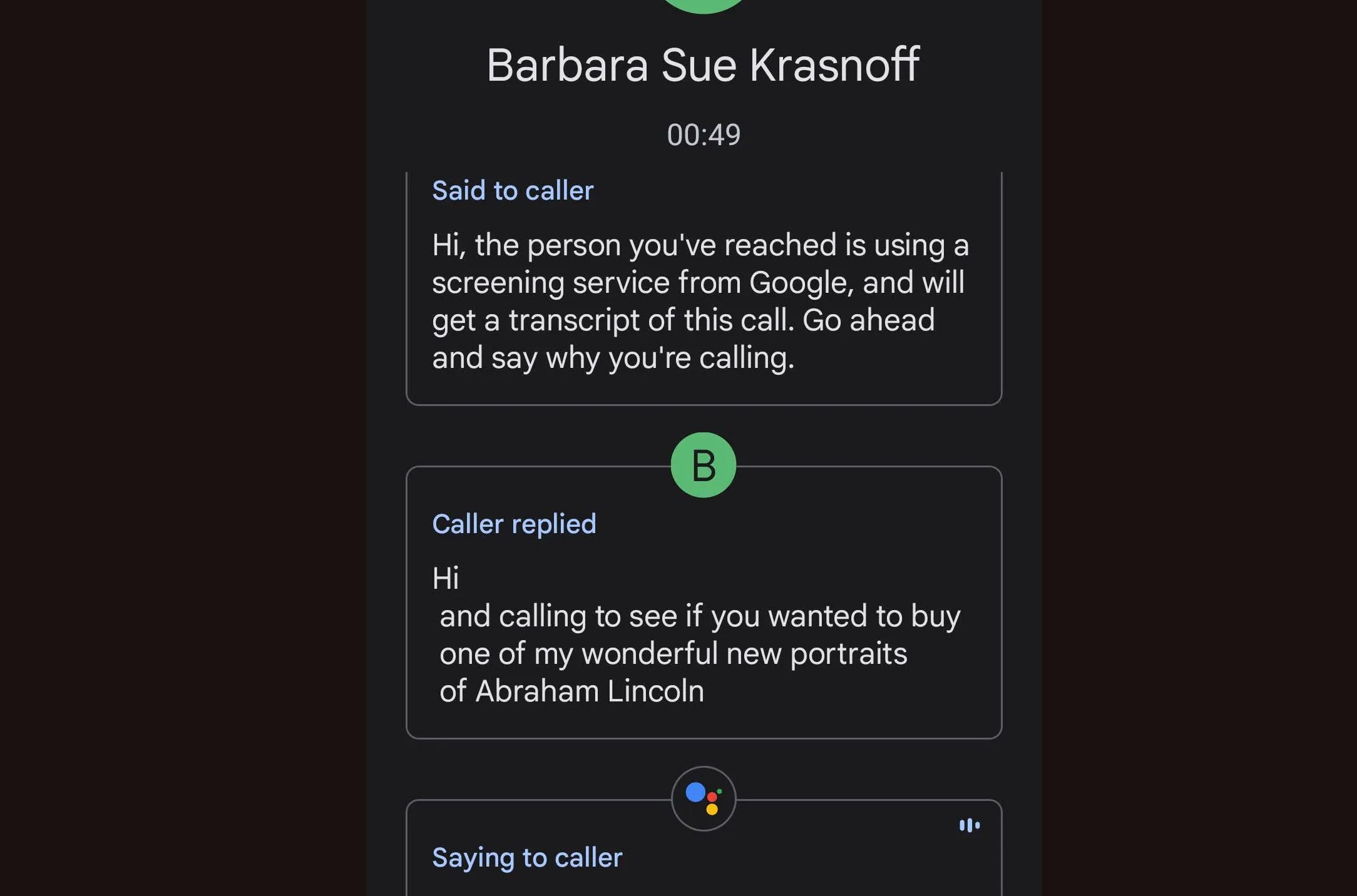
Screen Call dates back to Android 12, and Pixel phones have offered a version of the feature even longer. Earlier versions required you to manually invoke the feature, but on the Pixel 7 and newer you can have it automatically answer and screen incoming calls likely to be spam. Apple’s version launching with iOS 26 picks up automatically.
Screen Call is something I certainly miss when I move from Android to iOS, so as long as it works reasonably well, I think it’s going to be a welcome feature on the iPhone.
Hold assist is another familiar phone feature. Google’s version debuted in 2020 on Pixel phones and then started trickling out to the rest of the ecosystem last year. The feature works much the same way as it will on iOS 26: instead of having to stay on the line and listen to hold music, you can put your phone down and you’ll get an alert when a human is ready to talk to you.
It’s super handy! I find myself being pushed to work my problems out with web-based customer service chatbots more than on the phone lately, but in the rare times when I need to hold it’s usually for an unreasonable amount of time. I’ll take it.
Translations! At the phone app
Recent Samsung phones already offer live language translation that’s baked into the phone app that looks a lot like what Apple unveiled this week. They both provide real-time, spoken translations from the caller’s language to the recipient’s and vice versa. Don’t expect to have a lengthy, nuanced conversation using either of these features, but at least Samsung’s version is capable enough for its intended use: short, transactional exchanges like reserving a table or a hotel room.

In both cases, translations extend to messaging, too. Samsung’s version will offer to tailor your messages to different writing styles in an effort to avoid sounding too casual at the wrong time. Could come in handy!
Suggesting actions based on what’s on your screen
Google has been chasing the whole “using contextual awareness to surface information” since the dawn of time — or at least since 2012. Same with searching what’s on your screen, courtesy Google Lens. In the generative AI era, this has extended to Circle to Search, which uses intelligence to try and better identify what it is you’re searching for. Now, Apple is offering a version of this based on screenshots.

On phones with Apple Intelligence, you’ll see some new options when you take a screenshot. If there’s a time and date on the screen, it’ll suggest making a calendar event. You can also circle, er, highlight something on screen to search for it.
Apple’s version always starts with a screenshot, which is clever. People who are unaware of the new feature will likely find it pop up in a place they’re already familiar with. Google’s Circle to Search requires unique navigation, usually double tapping the handle at the bottom of the screen. Personally, I’m still training myself to use that gesture rather than just opening a new tab and typing out a search in Chrome. I doubt I’m alone.
Tabbing between photo and video recording in the camera app
iOS 26 shakes up the camera app UI by hiding most of the shooting modes by default except for two: photo and video. The rest appear when you scroll to the left or right, so you can still find your portrait or panorama options. But the simple video / photo dichotomy calls to mind the toggle between those two options on Pixel phones.


In the Pixel camera app, it’s a standalone toggle, so it’s always in reach no matter what mode you’re shooting in. But I appreciate that both options put this core functionality front and center. And hey, if you want to turn your regular photo into a panorama, you can always use AI after the fact. Right??
[Notigroup Newsroom in collaboration with other media outlets, with information from the following sources]